

Best Practices For Holding Effective Hybrid Meetings
Recently, I was onsite with a new client. Weather had disrupted logistics, and instead of the planned facility, we were in a different location entirely. I had traveled late the night before and was up first on the agenda.
I had printed the full slide deck in advance, anticipating possible issues with internal printing. Fortunately, beautifully printed copies arrived just before we began. Unfortunately, they weren’t stapled or paperclipped — and we were starting in minutes.
Then three faces appeared on the screen.
“Are we hybrid?” I asked.
We were.

I had confirmed the session would be fully in person. Every exercise was designed for that format. The room had been arranged in a horseshoe shape — ideal for in-person collaboration, but it left my back to the remote participants.
Then the final twist: my laptop couldn’t access their network. I had to use one computer to advance slides and another just to see what participants were typing into Teams — a platform I don’t typically use.
In a matter of minutes, the session required real-time redesign.
Hybrid meetings are no longer just about convenience. They require adaptability.
The leaders who thrive in today’s environment are the ones who design for variability, not certainty.
Design for Variability, Not Certainty
The lesson wasn’t just about technology or room setup. It was about assumption.
Even when a meeting is confirmed as fully in person, the possibility of hybrid participation should be part of your design thinking.
Travel disruptions happen. Executives join last minute. Weather shifts plans.
Hybrid is no longer an exception. It’s increasingly common.
The question is not whether your meeting might shift formats. The question is whether your design can withstand that shift without losing effectiveness.
Design Your Meeting With Hybrid In Mind
Before selecting times, building slides, or structuring exercises, decide how the meeting will function if even one person joins remotely.
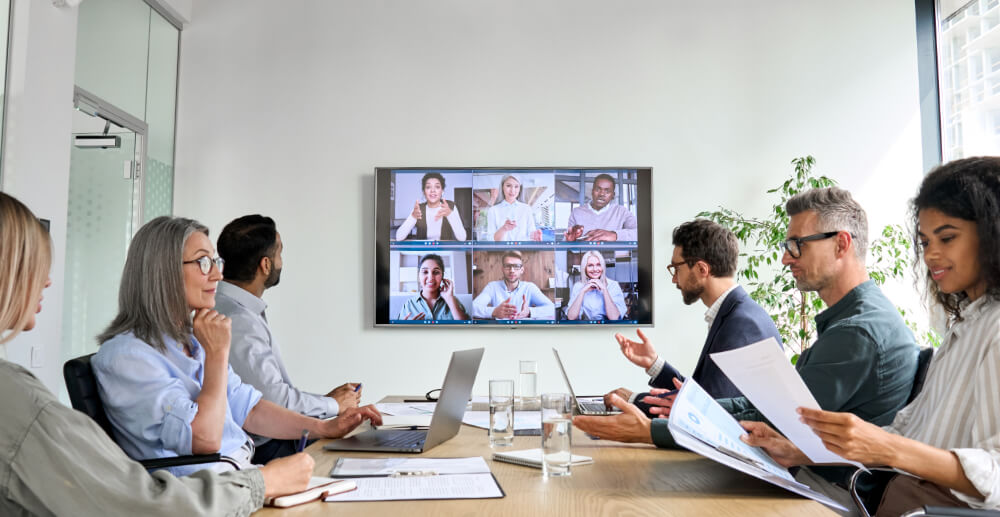
Will everyone join from individual laptops to create equity?
Will in-room participants stay fully offline?
How will you ensure one group doesn’t become secondary?
Make those decisions in advance — not in the moment.
If your team is global or distributed across time zones, be intentional about scheduling and communicate clearly. Share relevant information before the meeting so both in-person and remote attendees can review materials in advance.
Over the last several years, research on remote and hybrid work has expanded significantly. We now understand that digital participation creates unique cognitive demands. Attention shifts. Camera fatigue sets in. Processing delays occur. Hybrid environments require more deliberate facilitation than fully in-person meetings.
When planning hybrid sessions, consider accessibility and flexibility. You may build in more frequent breaks, cover less material, or allow participants to briefly step off camera when needed. Thoughtful design creates better engagement.
Consider Room Authority and Physical Positioning
Hybrid facilitation requires intentional physical presence.
Where will the facilitator stand?
Can you see both audiences at the same time?
Does the screen location unintentionally prioritize one group over the other?
If the setup disadvantages either audience, change it.
Rearrange chairs. Shift the camera. Adjust your position. Small changes affect inclusion.
In hybrid environments, where you stand often determines who feels seen.
Agree And Train Around Hybrid Meeting Best Practices
Communicate expectations ahead of time for presenters, facilitators, in-person attendees, and remote participants.
Remind in-person participants that sounds near microphones are amplified. Protect camera sightlines and audio zones so movement in the room doesn’t disrupt remote engagement.

Plan exercises and breakout sessions that work for everyone. It can feel isolating to be excluded from part of a meeting. Equity of participation is essential.
Hybrid facilitation is increasingly part of executive presence and leadership effectiveness.
Consider Technology And Room Setup
Plan ahead to ensure the room and technology enhance the experience for both in-person and remote participants.
Choose a space where seating supports strong audio and visual connection. Ensure remote participants are visible to those in the room. Invest in high-quality 360° camera and microphone systems that allow remote participants to see and hear clearly without constant adjustment.
Record the meeting (with consent) or use AI-based transcript and note-capture services to ensure remote attendees remain fully informed.
Build Redundant Access to Materials
Never rely on a single device, single network, or single platform.
Send slides in advance. Store materials in a cloud location accessible from multiple devices. Bring adapters. Confirm platform familiarity ahead of time. Decide in advance who can advance slides if needed.
Hybrid environments increase failure points. Redundancy protects flow — and presence.
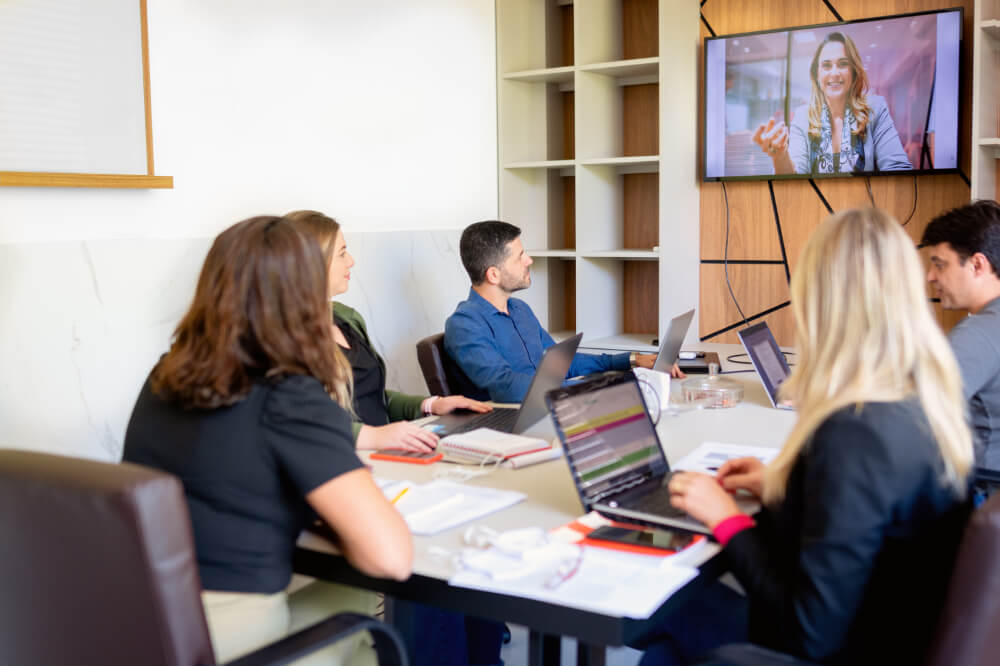
Complete Test Runs
Arrange for one or more remote attendees to arrive early to test audio and visual technology. Make sure both remote and in-person participants can see and hear from different areas of the room.
If you’re presenting, double-check with participants that everyone can see and hear clearly before you begin.
Be mindful of audio settings within meeting software. Background noise suppression filters can sometimes mute segments of a discussion if the room becomes louder during breakout exercises. Test settings before participants arrive.
Testing equipment ahead of time prevents avoidable disruptions and maintains credibility.
Account for Facilitator Cognitive Load
Hybrid facilitation increases complexity.
You are monitoring in-room energy, scanning chat, reading facial cues on screen, managing technology, and maintaining group flow simultaneously.
That elevated cognitive load subtly affects presence, pacing, and group awareness.
If the stakes are high, assign a co-facilitator or designate someone to monitor chat and technical elements so the primary facilitator can focus fully on the conversation.

Create Participation Equity
Ensure you have a system for capturing input from every participant. Assign someone to monitor the chat and ensure remote voices are integrated into live discussion.
Consider how informal conversations — before or after the meeting — can include remote participants. Those moments of connection build trust and strengthen collaboration.
Everyone wants to feel included. Hybrid meetings should expand access, not diminish belonging.
Hybrid meetings are no longer temporary adjustments. They are part of the operating reality of modern organizations.

If we want to retain talent, lead globally, and maintain strategic momentum, hybrid competence must become a leadership capability — not just a logistical adjustment.
Design for variability. Build redundancy. Protect inclusion. Plan for complexity.
When hybrid execution is intentional, meetings elevate collaboration.
If you are planning a high-stakes strategy session, executive offsite, or leadership retreat and want experienced facilitation that can flex seamlessly between in-person and hybrid environments, click here to learn more about our Executive Facilitation & Strategy Sessions.
If your goal is to prepare leaders and teams to confidently design and lead hybrid conversations themselves — strengthening executive presence, inclusion, and decision-making in these environments — explore our Leadership Development & Team Acceleration offerings.
Or contact us directly to discuss what makes the most sense for your organization.
Do you have any additional hybrid meeting best practices? Please share your insights with us on LinkedIn. We’d love to hear from you!
If you’d like help designing or facilitating your next hybrid meeting, please reach out to us.
Loved our blog post about hybrid meetings? Then check out these related articles…

What Can You Expect From A Coaching Session
Best Practices For Holding Effective Hybrid Meetings

How To Communicate With Different Personality Types
The average American professional attends 60 meetings per month. Let’s make sure they help us move work forward, connect with colleagues, and find innovative solutions. Inside this guide, you’ll learn how to plan and execute meetings that accomplish what you set out to do.
Download our guide and create a bigger impact with interviews that can become a driver of change.
Connect & Coordinate
Get Our Free Guide To Effective Meetings:
